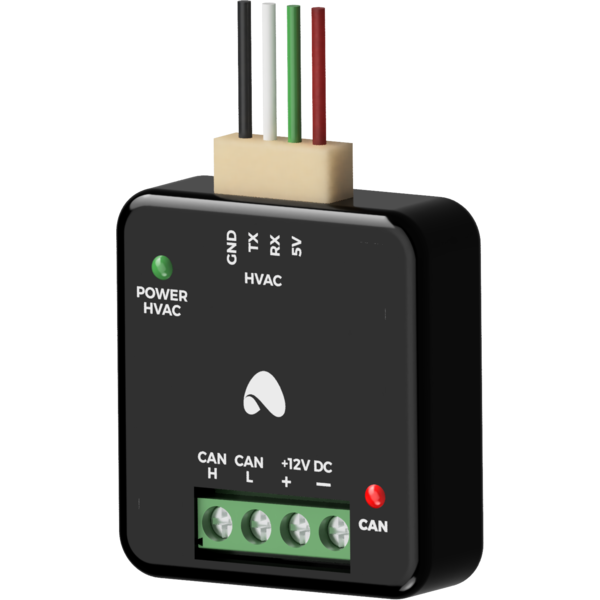
The image above is for illustration purpose only. The actual module may vary from the one presented here.
General features
At the ordering stage, it is necessary to specify the model of the air conditioner in order to check compatibility and the choice of cables for communication with the unit.
Module M-CON-HVAC-p is a component of the Ampio system. Required voltage to power the module is 11 — 16V DC. The module is controlled via CAN bus.
Example application
A/C temperature control
control of air conditioning output and direction
control of air conditioning operation mode.
Compatibility list
List of devices supported by the M-CON-HVAC-p module:
MDV air conditioners
CSTB-36R32
CSTS-18R32
All Easy MSAEBU-12HRFNX-QRD0GW
Rotenso air conditioner
Imoto series
Carrier air conditioner
42QTD024D8S
Bosch air conditioner
CL3000iU
Installation
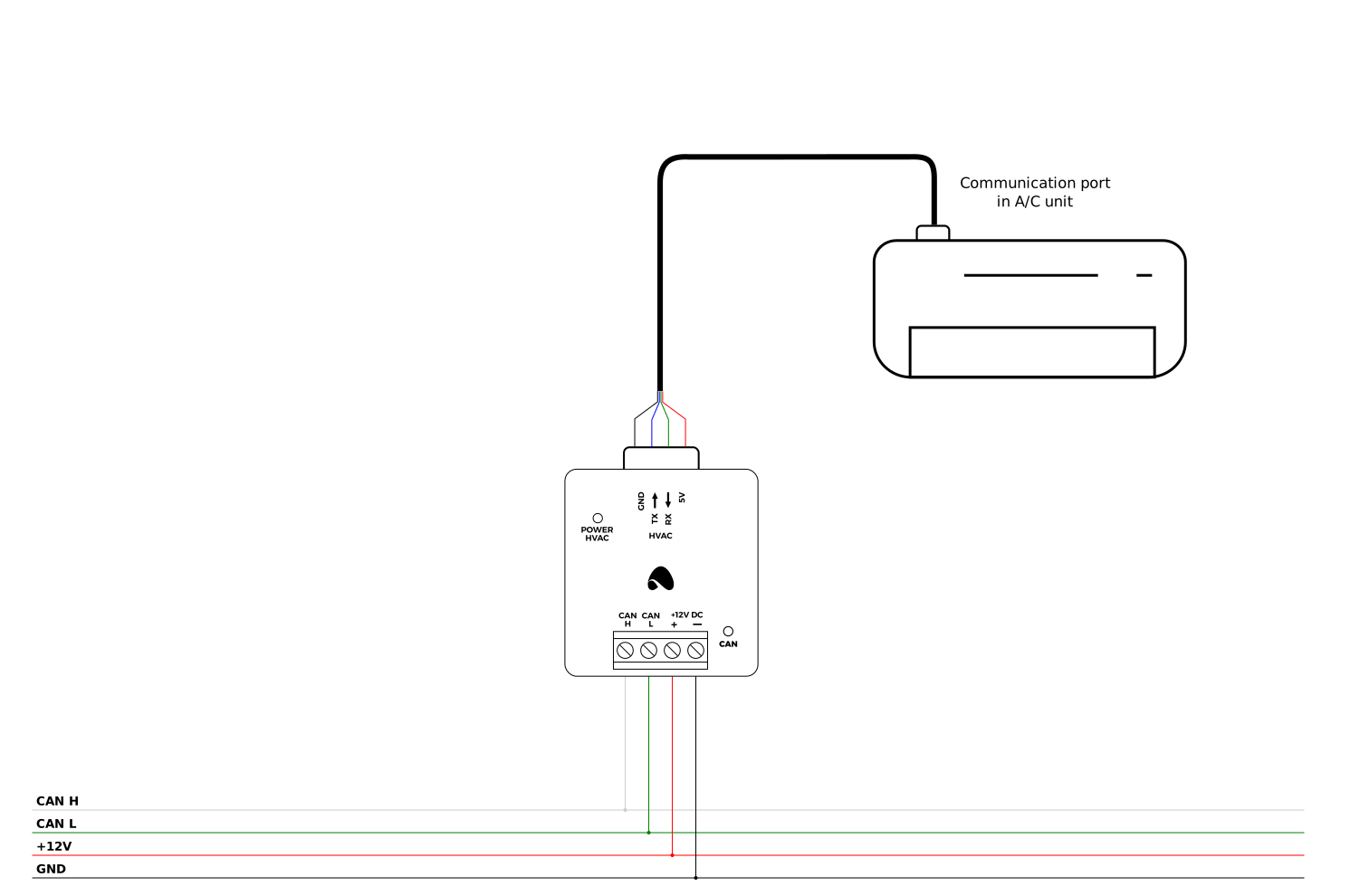
The M-CON-HVAC-p module communicates with the indoor units of air conditioners for integration purposes. The module’s dimensions allow it to be concealed inside the indoor unit’s housing. The connection of the module to the units varies between manufacturers and HVAC unit models. One M-CON-HVAC-p module is responsible for controlling one air conditioning unit.
Device status LEDs
On the front of the module there are signalling LED indicators. The redl LED with the label CAN indicates the status of communication on the CAN bus:
one regular flash every 1 sec. – CAN bus communication is working properly,
two regular flashes every 1 sec. – the module is not receiving information from other modules,
three regular flashes every 1 sec. – the module cannot send information to the CAN bus;
Programming
The module is programmed with the use of the Ampio Designer software. It allows you to modify the parameters of the module and define its behaviour in response to signals directly available to the module as well as general information coming from all devices present in the home automation bus.
Module dimensions
Dimensions expressed in millimeters.
The dashed lines mark the areas where the device connectors or its other elements can be located.